Printing
- Every Print button asks for the language of the printout first, then the paper (A4, A5, card or 80 mm roll).
- Settings, Printing: set the clinic header and logo, choose the printer and print a test page once.
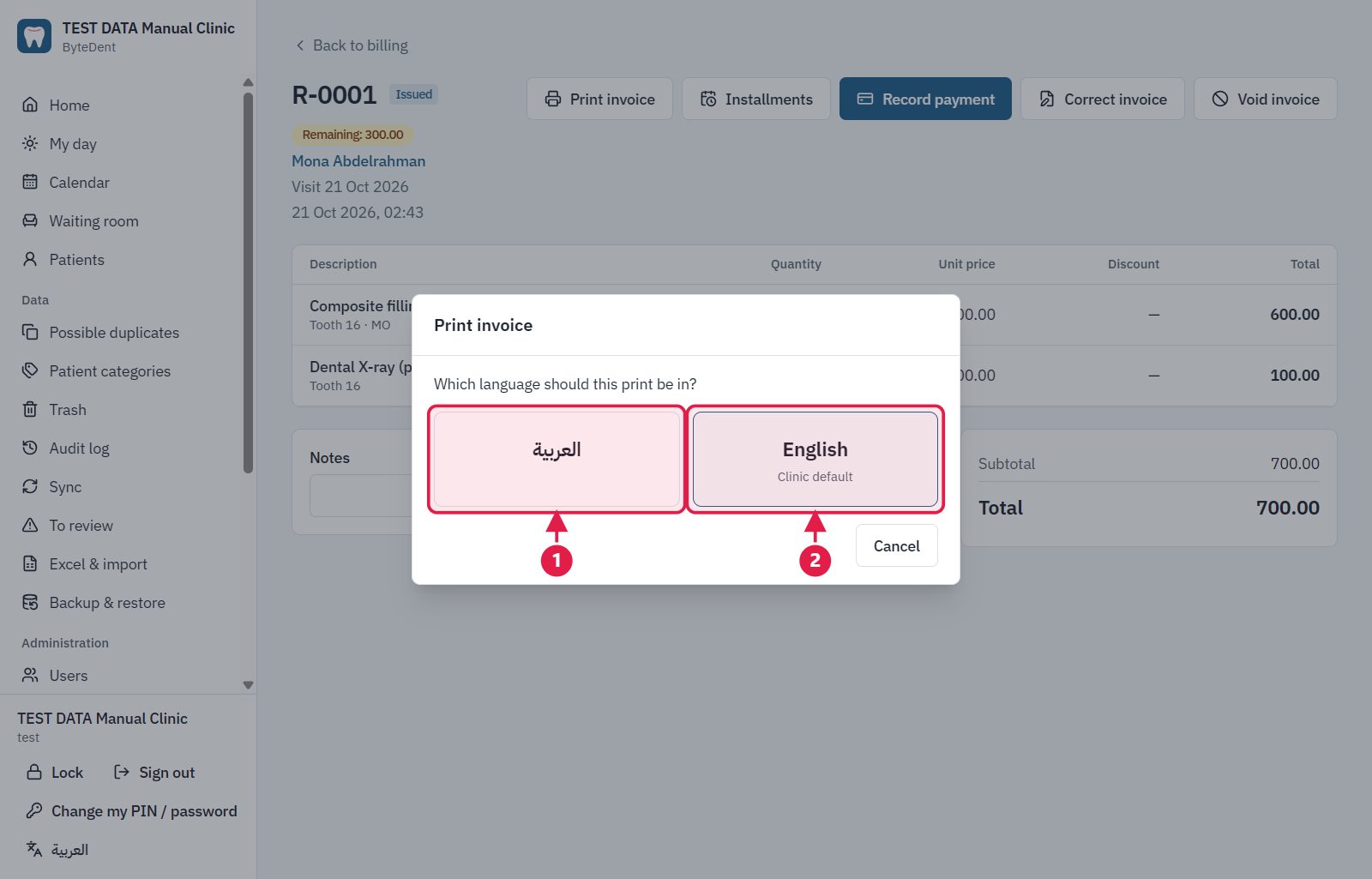
- The printout in Arabic.
- The printout in English (the clinic's default is marked).
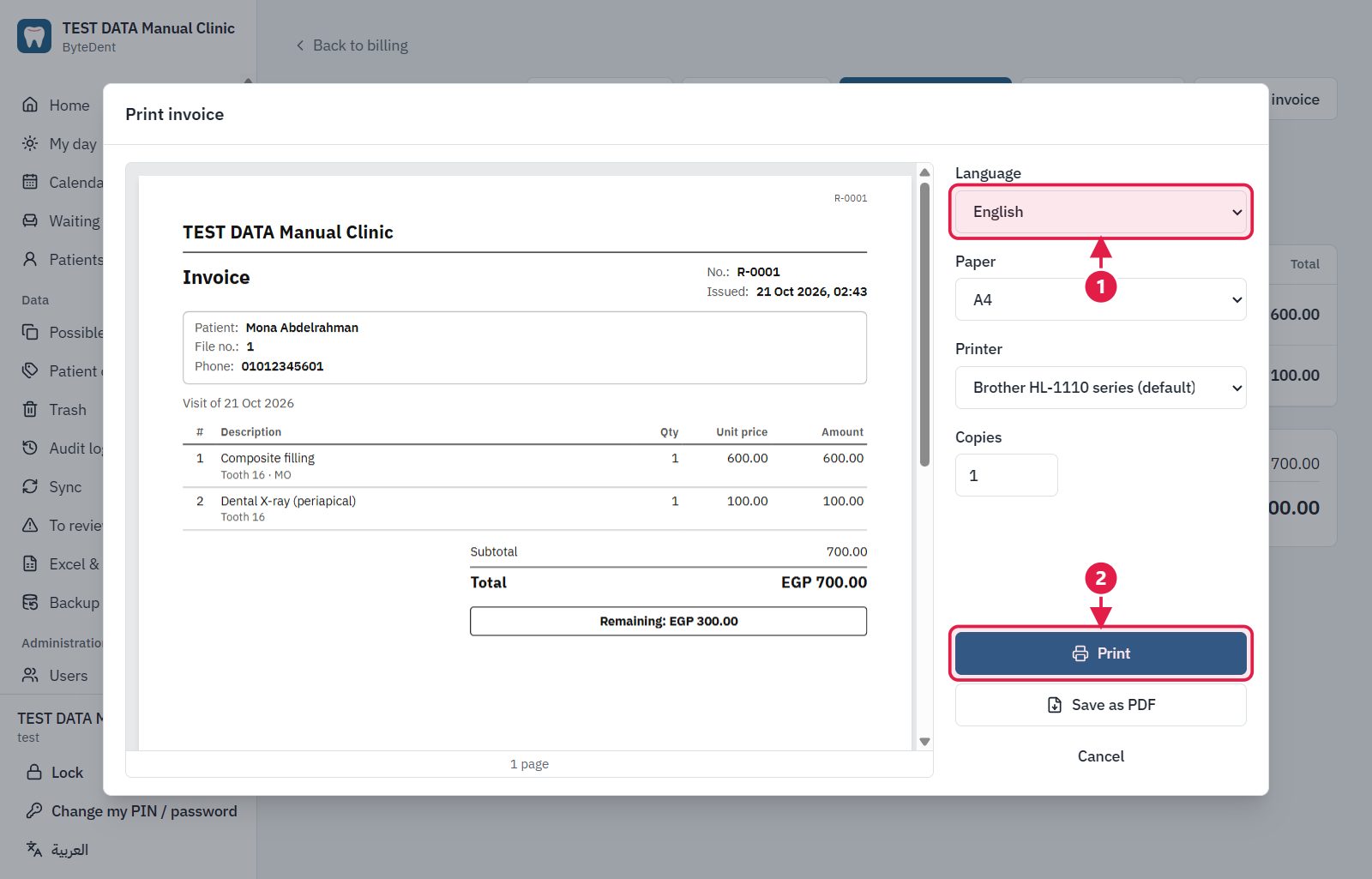
- Language, paper and printer.
- Print, or Save as PDF below it.