Front desk and appointments
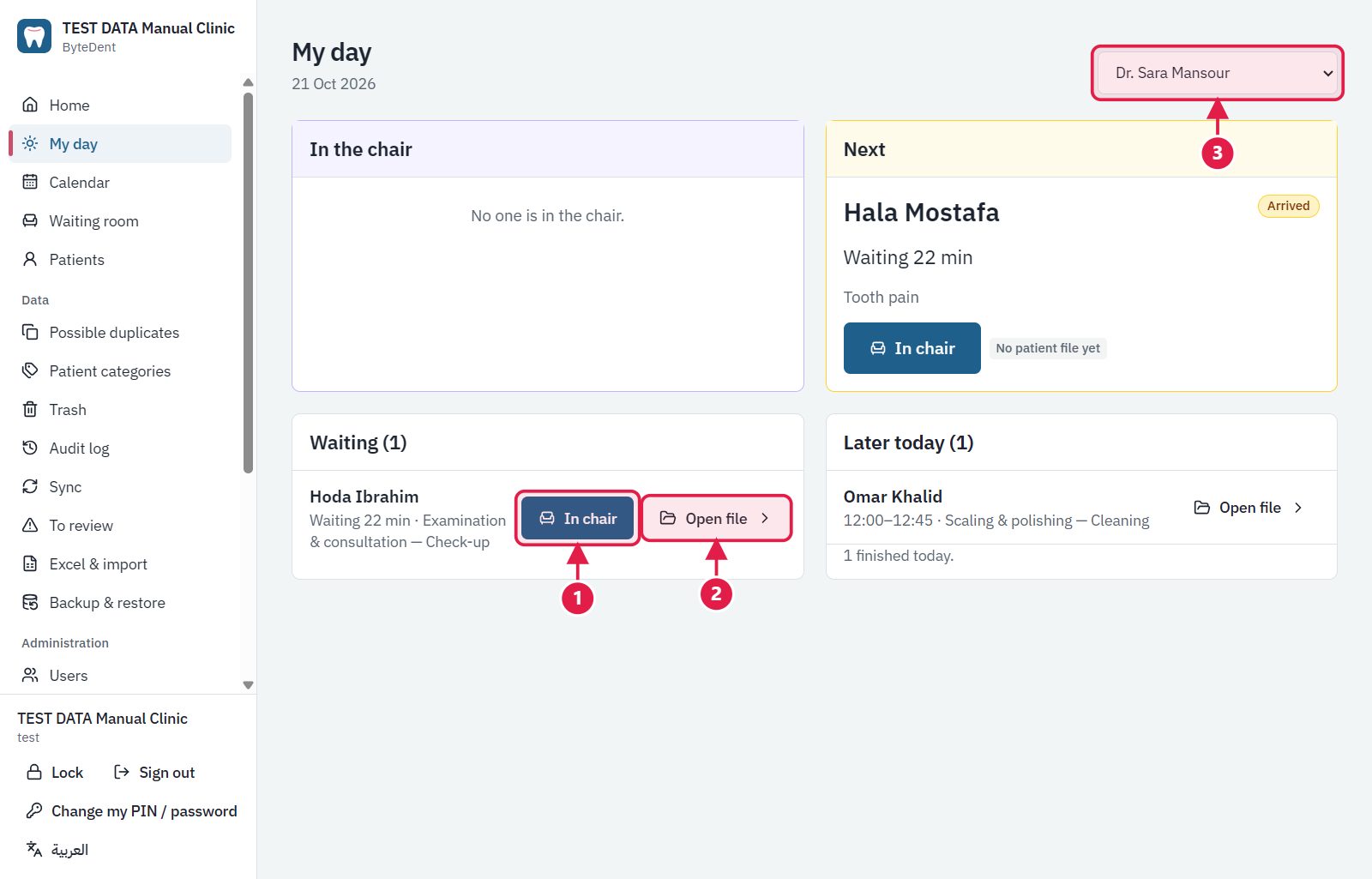
The appointment calendar, the waiting queue and the status of every patient in the clinic, clear to the receptionist and the doctor.
Dental clinic software that works without internet
ByteDent is a Windows program for appointments, patient files, tooth charts, treatment plans, invoices and payments. Your data is encrypted on your own computers and everything works even when the internet is down.
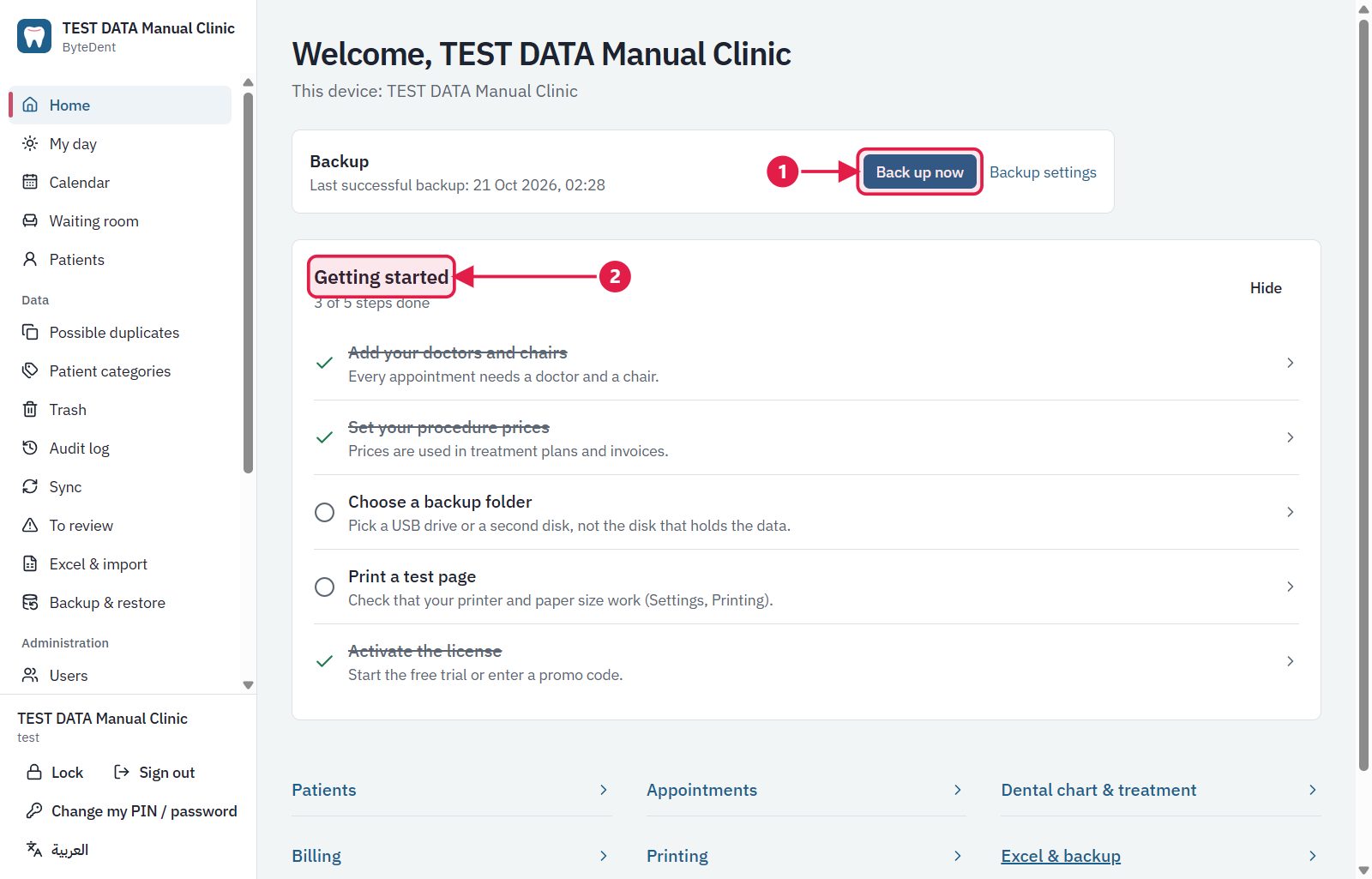
From the moment a patient walks in to the moment they pay, in one place and without fuss.
The appointment calendar, the waiting queue and the status of every patient in the clinic, clear to the receptionist and the doctor.
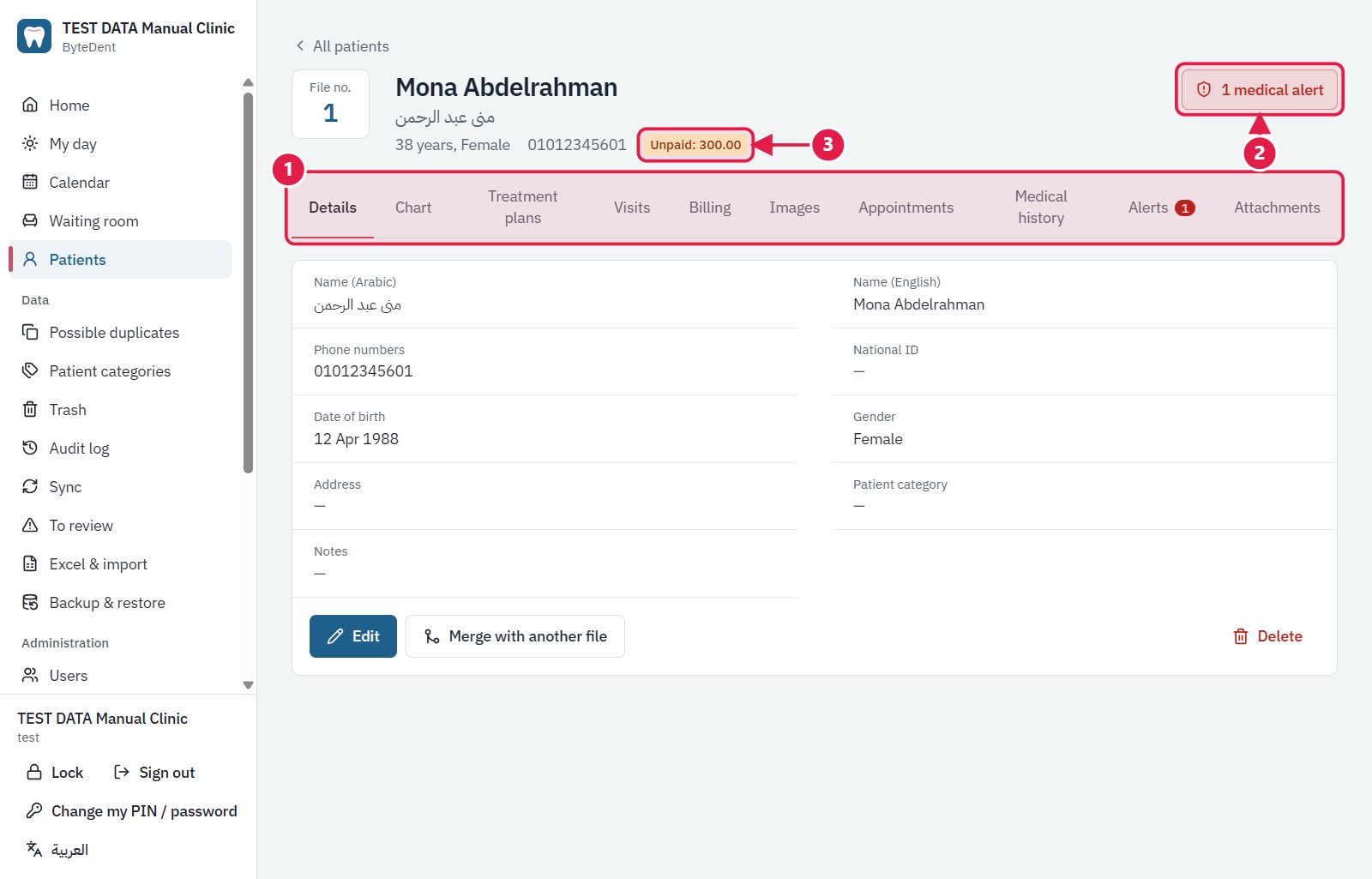
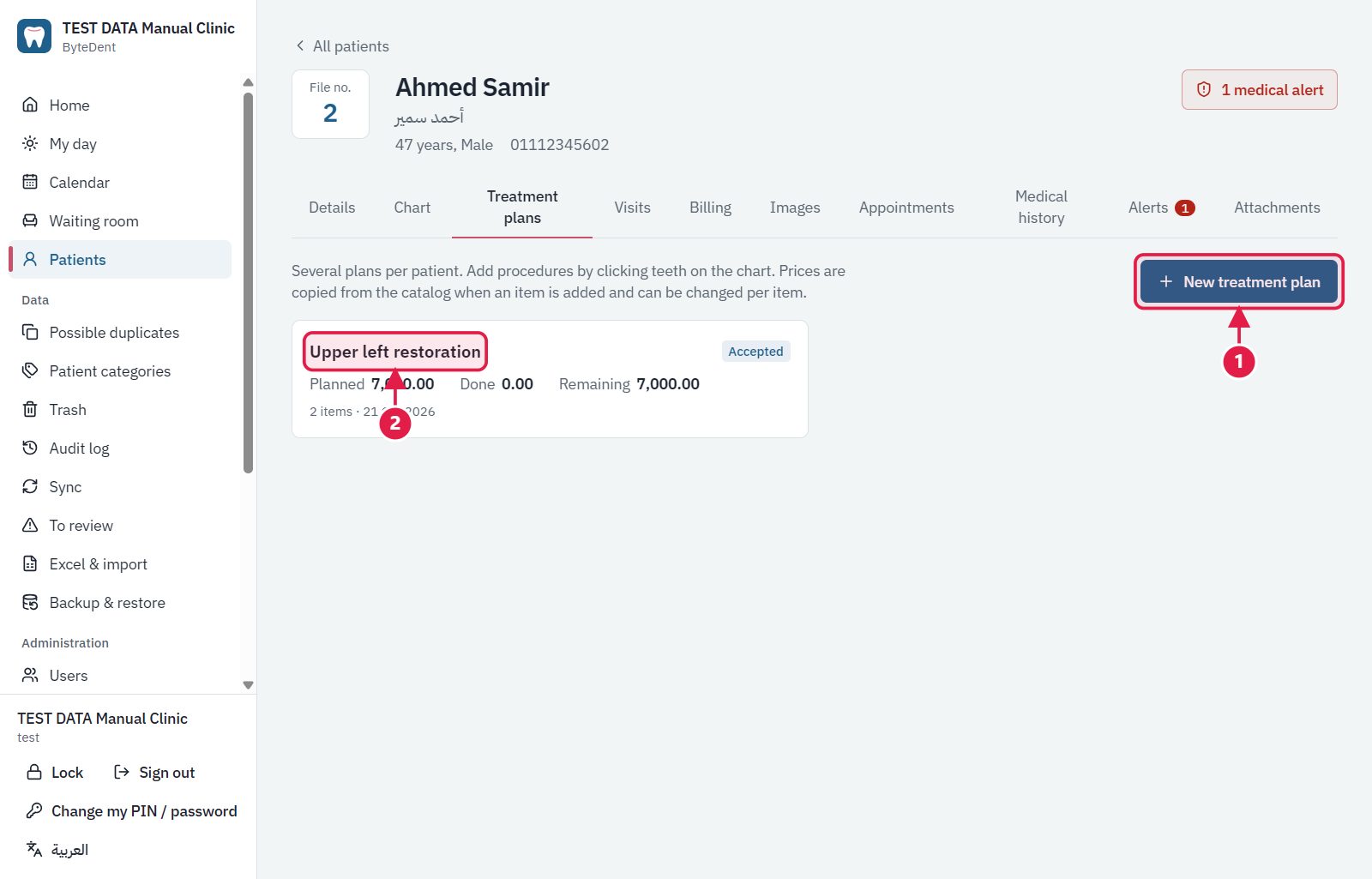
A complete file for every patient, an interactive tooth chart, and treatment plans split across visits.
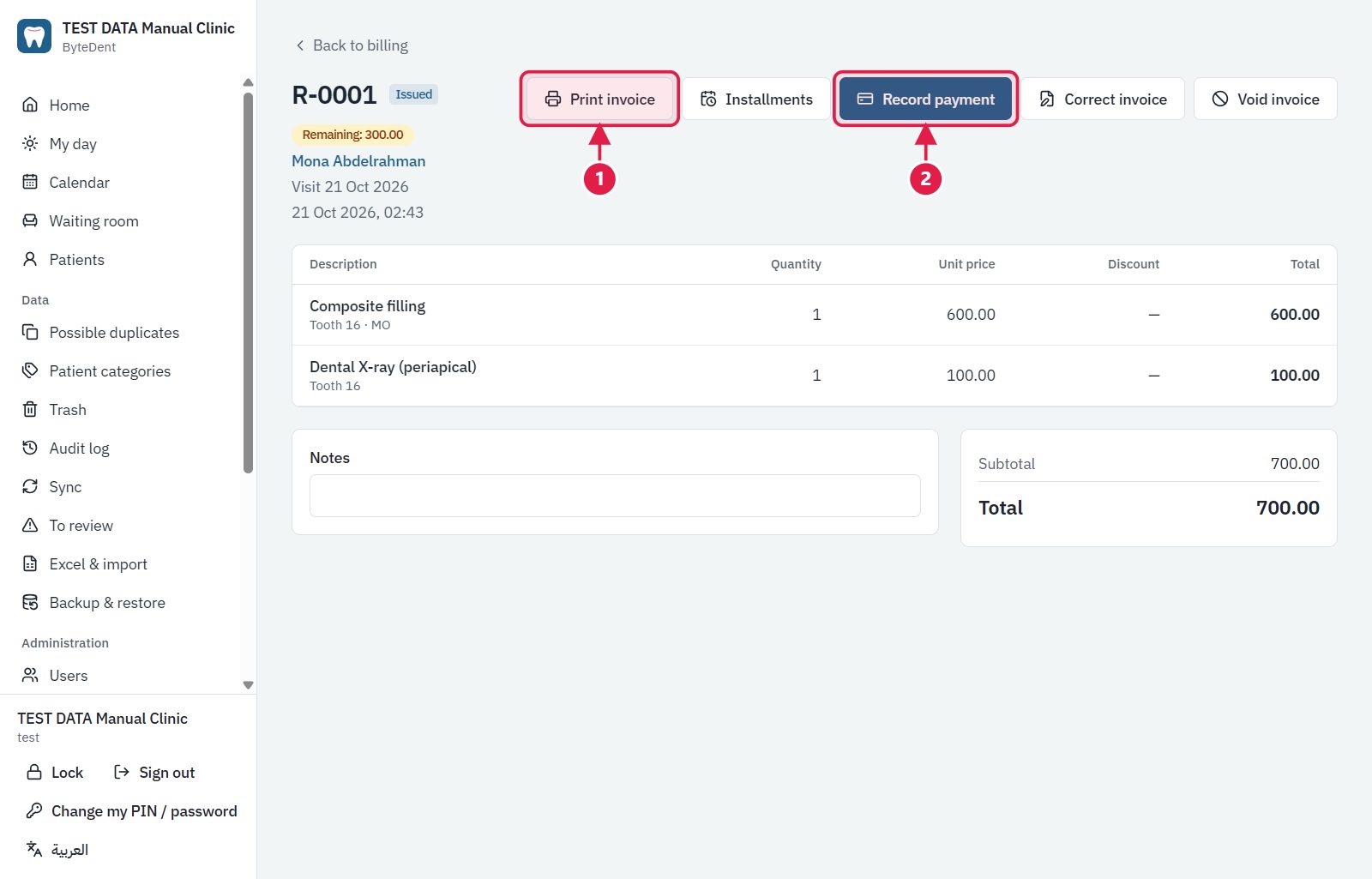
An invoice for each visit or each treatment plan, payments that are recorded and never erased, and the amount still owed always in plain sight.
Invoices, receipts and prescriptions ready to print in Arabic or English.
Connect more than one computer in the clinic. Sync passes through a server that only ever sees encrypted data. Backups are one click, or automatic.
The database is encrypted on the computer itself. Nobody reads your files without the key.
A doctor opens their day's schedule on their phone with just an e-mail and a password, with nothing to install.
Bring your old records over from Excel files, and export any list in one click.
One Windows program, installed in minutes.
Start a free trial with the owner's account.
Import your Excel files, or start fresh.
We send you the offer that fits your clinic.
Work in the clinic never stops when the network drops.
Encryption is on your computer; the server only ever sees encrypted data.
Deleting hides, and can be undone; changes are logged.
A right-to-left interface with full English as well.
Yes. Everything runs on your computer. Internet is only needed to sync between computers and to check the licence now and then.
On your clinic's computers, in an encrypted database. When sync is on, only encrypted copies pass through our server.
Normally, no. But so that we can recover your data if you lose your computers, we keep a protected copy of the encryption key. It is released only to the owner after signing in, and every release is logged. Details are on the privacy policy page.
Restore the latest backup on a new computer, or join the new computer to the clinic from the cloud.
Yes, from Excel files. There is also a full export to Excel at any time.
The interface is Arabic first (right to left) with English as well, and printouts can be in either.
It depends on the plan. More computers can be added by agreement.
Download the program and start a free trial, or ask for a demo and a quote.